
Adding Images
Since we are using Markdown, adding images is very simple. You have two main options:
Option 1: External URL (Easiest)
You can use any image hosted on the internet (Unsplash, Imgur, Cloudinary).
Code:
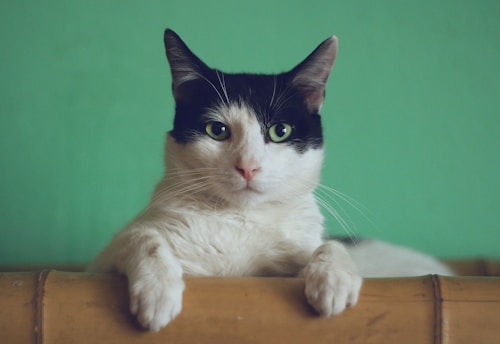
Result:

Option 2: Local Images (Recommended for Speed)
- Save your image in the
public/imagesfolder of your project (e.g.,public/images/chart.png). - Reference distinguish it starting with
/.
Code:

(Note: If you don't have a public/images folder yet, create it!)
Option 3: Captioning
You can use standard HTML if you want to add captions or resize specifically.
<div style={{ textAlign: 'center' }}>
  <img src="https://images.unsplash.com/photo-1514888286974-6c03e2ca1dba?w=300" alt="Small Cat" />
  <p><em>Figure 1: A very small cat</em></p>
</div>
Result:

Figure 1: A very small cat